
MS Teams Now Makes Accidental Meeting Exits Less Likely
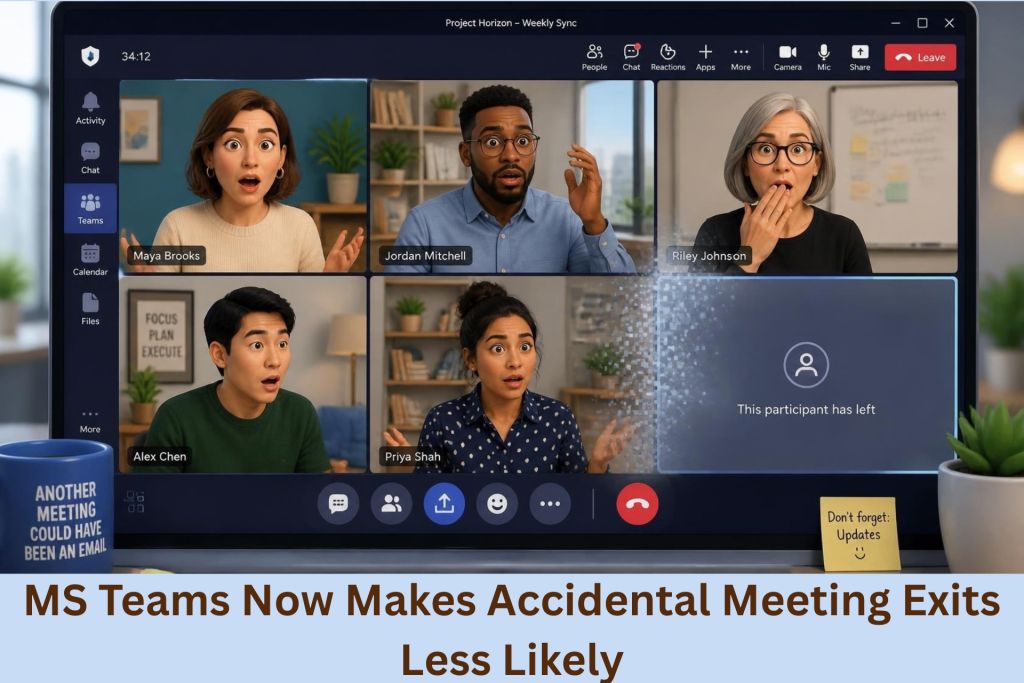
Frequent users of this app know well that it is extremely easy to leave a Teams meeting accidentally. All it takes is one misplaced click to suddenly end your participation. This can come from wanting to share your screen but, instead, you clicking the wrong meeting control. Thus, suddenly, everyone starts talking without you. It is not just awkward but also disruptive. Fortunately, Microsoft has finally addressed this common frustration, and an IT consultant sheds light to this new update.
IT Consultant Sheds Light on New Microsoft Teams Update
Microsoft Moves the Quit Option
The issue has been seen in Teams for years. Most users have experienced fast meetings making accidental clicks especially easy. So, in response, Microsoft promised a better way to exit meetings. An IT consultant explained that the company has now made that improvement. For one, the Quit option has moved toward the system tray. That should be the part next to your Windows desktop clock. With this move, it will help distinguish the quitting button from the other commonly used meeting controls. As a result, fewer nearby buttons decrease accidental exits.
No IT Changes Are Required
The IT consultant also explains that desktop Teams users should receive this automatically. So, there is no need for your IT team to do any additional configuration. As it is, it might seem like a minor adjustment. However, these small improvements can remove everyday frustration. This is especially important since Teams supports countless meetings every working day. So, reducing unnecessary interruptions makes those conversations feel smoother.
Accidental Exits Can Still Happen
Despite the adjustment though, an IT consultant cautions that it does not remove every possible mistake. For example, users can still select Leave accidentally when reaching for the Share option. Just the same, one incorrect click could still end your meeting, and Microsoft has not yet eliminated that possibility. Fortunately, Teams provides another helpful safeguard that most users may not know to exist.
Add A Confirmation Before Leaving
If you are still unaware, an IT consultant explains that Teams includes an optional exit confirmation. Simply open Settings and select General then enable the confirmation before leaving meetings. Once activated, Teams will ask before completing your exit. As a result of this extra confirmation, you are given another opportunity to reconsider. It is particularly helpful during busy meetings when presenters tend to dash through various controls. This one confirmation can prevent an embarrassing disappearance and costly miscommunication.
A Cleaner Meeting Screen Is Coming
In the same vein, the IT consultant explains that Microsoft is also improving the meeting interface. This is another update that focuses on the meeting toolbar. As a result, users will soon hide the toolbar during calls, which will create additional space for important meeting content. Plus, it will also reduce visual distractions. Thus, making presentations feel cleaner and easier to follow for everyone.
Small Changes Can Improve Daily Meetings
Although neither update completely transforms Microsoft Teams, they both address frustrations users experience regularly. In today’s modern work environment, Teams remains an essential for many workplaces. These small interface improvements can reduce daily disruptions and make virtual meetings feel more polished. An IT consultant assures that accidental exits should now happen less often, decreasing any possibility of miscommunication.
What other challenges do your employees experience in your daily operations? Get in touch with us today and we can do a full audit of your system to optimize it.
Call us today!
Watch Our Latest Tech Videos From EB Solution

Get A Free Immediate Quote For IT Services
From EB Solution Today.
Why choose EB Solution:
- Around-the-clock IT services
- Expert technology professionals
- Single source for all your IT
- Reliable data backup solutions
- Certified cybersecurity experts
Ready to make the move to EB Solution?
Fill out the form to the right to get your free immediate quote.
Interested?
 Call Now