
IT Support Service Professionals Excited for this Operational Merger
In today’s digital era, most people would find it difficult to jump from one browser to another in order to complete a task. However, more often than not, it is necessary. That is why, despite the messiness and inefficiency, one tried to manage working across various platforms such as Gmail, Outlook, calendar, and numerous browser tabs daily. As a result, it can get more time-consuming to find one email or schedule a meeting. That is why providers of IT support service are happy that Microsoft Copilot can now be connected to Google services with a new Windows update.
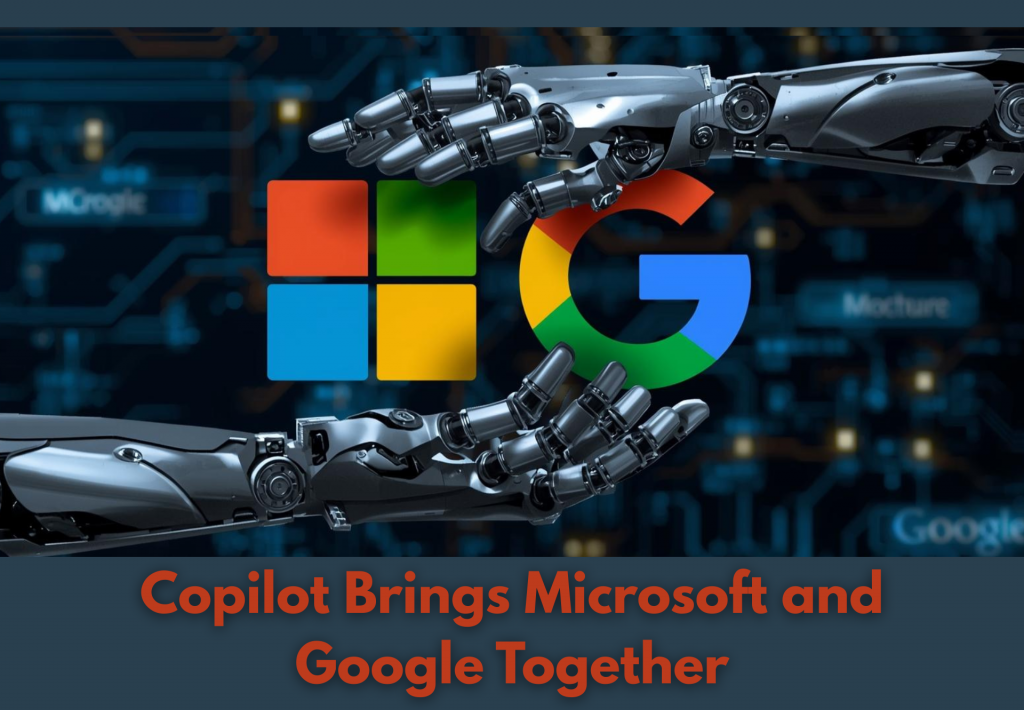
IT Support Service Providers Applaud as Copilot Brings Microsoft and Google Together
Additionally, Gmail and Google Calendar can also be connected to Outlook and OneDrive. Hence, uniting the workspace from two of the largest digital ecosystems. As a result, this integration saves time and decreases friction for the end users and their businesses.
One Assistant Across Two Ecosystems
In its update, Copilot will be able to search on both Microsoft and Google accounts once activated. This capability will eliminate the process of manually verifying various inboxes or calendars. Moreover, users will only need to ask Copilot questions and get answers directly, regardless of which platform they are. As a result, the assistant is able to retrieve the relevant data on related services. As an example, Copilot will be able to find the most recent email address of a particular client regardless of whether it is in Gmail or Outlook. Plus, Copilot can also check Outlook and Google Calendar schedules, hence, avoiding double bookings and seamless scheduling of breaks. Therefore, IT support service experts says, making daily planning quicker and more precise.
User Control and Privacy Choices
IT support service experts are happy that Microsoft focuses on helping users’ complete control in their tasks, despite various platforms. However, this is not automatic for all users. It is because Copilot can only reach out to those accounts approved to be connected. Moreover, as a safety feature, permissions can be modified or removed anytime as needed. In such cases when a user wants to maintain the distance between platforms, Copilot can still be used in Microsoft products alone. In addition to that, Microsoft also clarified that it does not use the data connected to train its AI models. This is particularly important as the connection between email and calendar accounts may include personal data. Because of this, it is best for users to consider the level of comfort before allowing integration. It is imperative to understand that no matter how useful this tool can be, privacy concerns are always also worth reviewing.
A Rare Collaboration Between Tech Giants
The update marks a unique point in the history of tech. This is because Microsoft and Google have a history of competing in productivity software. Hence, having both platforms collaborate ushers a new era of connectivity. To date, a lot of professionals and businesses have already combined the tools of the two companies, and this integration further enables real-life workflows.
As Copilot bridge to users who use Google email but have Microsoft Office files, it saves switching between apps and manual searches. This results in a more efficient and smoother working day. This collaboration indicates that tech giants are responsive to the demands of their users in upgrading productivity tools.
Copilot as a Creation Tool
Aside from its current search and scheduling functions, Copilot is also developing to become a strong content-creating assistant. With this, users are able to convert simple notes to Word documents more efficiently. Moreover, Copilot can also create PDF files and PowerPoint presentations without the need to open individual applications. In the same vein, export options are now available in Copilot responses, and the contents could be sent to Word, PowerPoint, or PDF directly by users. This function cuts down on procedures and increases the speed of content creation, emphasizing on getting the work done, not on tools.
Update Your System Today with Your IT Support Service Partners
This update is only the beginning of more collaboration that end users will expect in the future. In fact, larger releases are anticipated in the near future. All these gearing towards making workflow easier for end users. Is your team in need of optimization of workflow? Or do you and your business want to get ahead of these advances? Talk to our IT and cybersecurity professionals today!
Call us now!
Watch Our Latest Tech Videos From EB Solution

Get A Free Immediate Quote For IT Services
From EB Solution Today.
Why choose EB Solution:
- Around-the-clock IT services
- Expert technology professionals
- Single source for all your IT
- Reliable data backup solutions
- Certified cybersecurity experts
Ready to make the move to EB Solution?
Fill out the form to the right to get your free immediate quote.
Interested?
 Call Now